Services & supportCareersSign in
en
English
Português
Español
Français
AlgoSec
Back to home
Horizon
Horizon
Horizon Platform
Explore our
Platforms modules
Horizon ACE
Transform your cloud network security
Horizon FireFlow
Automated security policy management
Horizon ObjectFlow
Smart automation for policy changes
Horizon AppViz
Discover, visualize and secure applications
Horizon Security Analyzer
Visualize & manage hybrid networks
Algo Assistant
AI assistant for security policy tasks
Integrations
Microsoft Teams
Slack
Check Point
BMC
F5
Microsoft Azure
Google Cloud
HP
AWS
Cisco
Explore all integrations
Product utilities
AlgoSec security center

Money-back guarantee

AlgoSec alternatives

Solutions
Solutions

By use case

Change automation

Risk management

Cost reduction

Compliance

By industry

Security service providers

Finance

Insurance

Healthcare

Government

Telecommunications

Resources
Resources

Explore

Resource center

Central hub for all AlgoSec content

Algo-Library

In-depth research and technical insights

Case studies

Real customer stories & results

Blog

Articles, insights, and product updates

Watch & learn

Videos

Videos on network security

Product demos

See the platform in action

Webinars

Expert talks on security challenges

Partners
Partners

Our partner program

Become a partner

Join the AlgoSec Elevate Partner Program

Our partner ecosystem

Locate a partner

Find a partner in our global network

Technology partners

Integrations with leading technology vendors

Service partners

Work with certified experts for services and consulting

Company
Company

Company overview

About

Who we are and the value we bring

Leadership

The executives guiding AlgoSec

Careers

Open roles and life at AlgoSec

Contact us

Reach our global offices and teams

Events

Conferences and upcoming events

Media center

Company news and product updates

Company utilities

Our customers

AlgoSec professional services

AlgoSec resident engineer

Training services & certification

AlgoSec support programs

AlgoSec media kit

Sign inServices & supportCareers
Schedule a demo
Schedule a demo
Home
Videos

Videos

Explore all our videos

Thank you! Your submission has been received!
Oops! Something went wrong while submitting the form.
Filters
Filters
Clear all
Category
Clear all
Thank you! Your submission has been received!
Oops! Something went wrong while submitting the form.
Showing 0 results
Tag
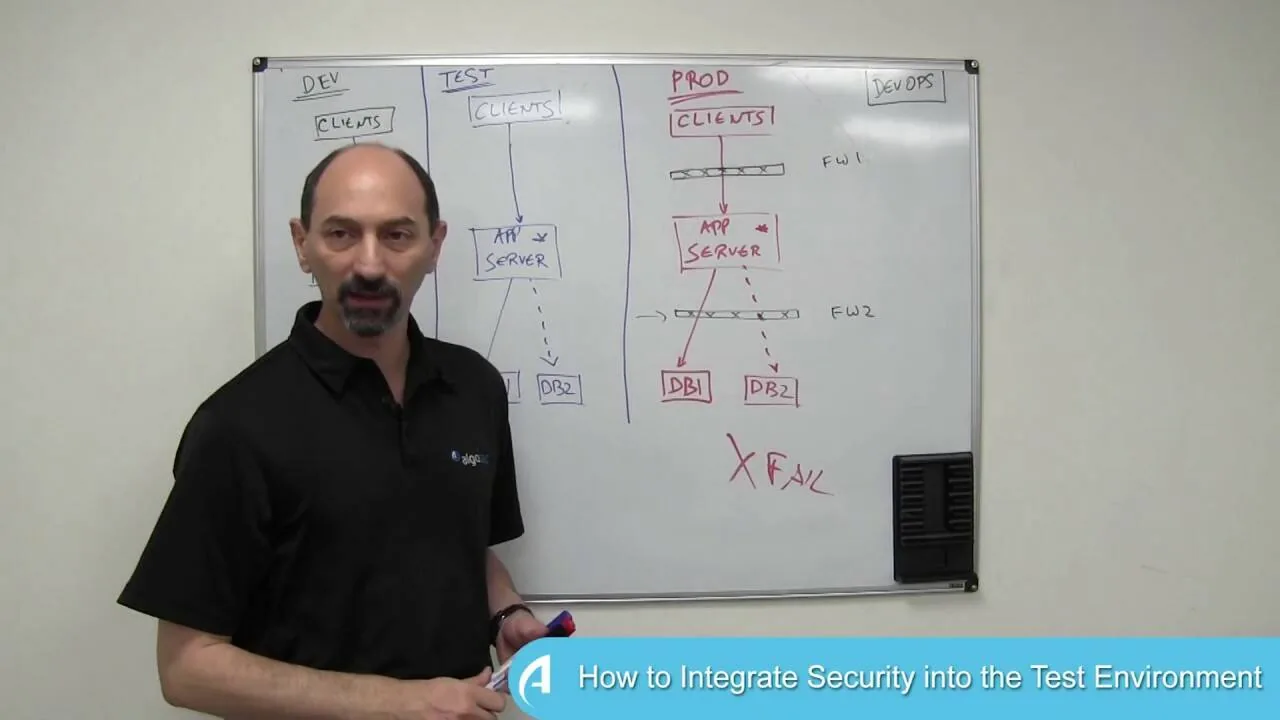
How to Integrate Security into the Test Environment
How to integrate security into the test environment
Best Practices for Incorporating Security into DevOps In a typical DevOps scenario development team adds new functionality to an existing business application and then rolls it out into production. However, while the new functionality worked as planned in both the test and pre-production environments, the application then fails when moved into the live production environment. In this video, Professor Wool will discuss the reasons why this process went wrong, and how you can fix it. Learn more about AlgoSec at http://www.algosec.com and read Professor Wool's blog posts at https://www.algosec.com/blog


Watch

DevOps
Professor Wool
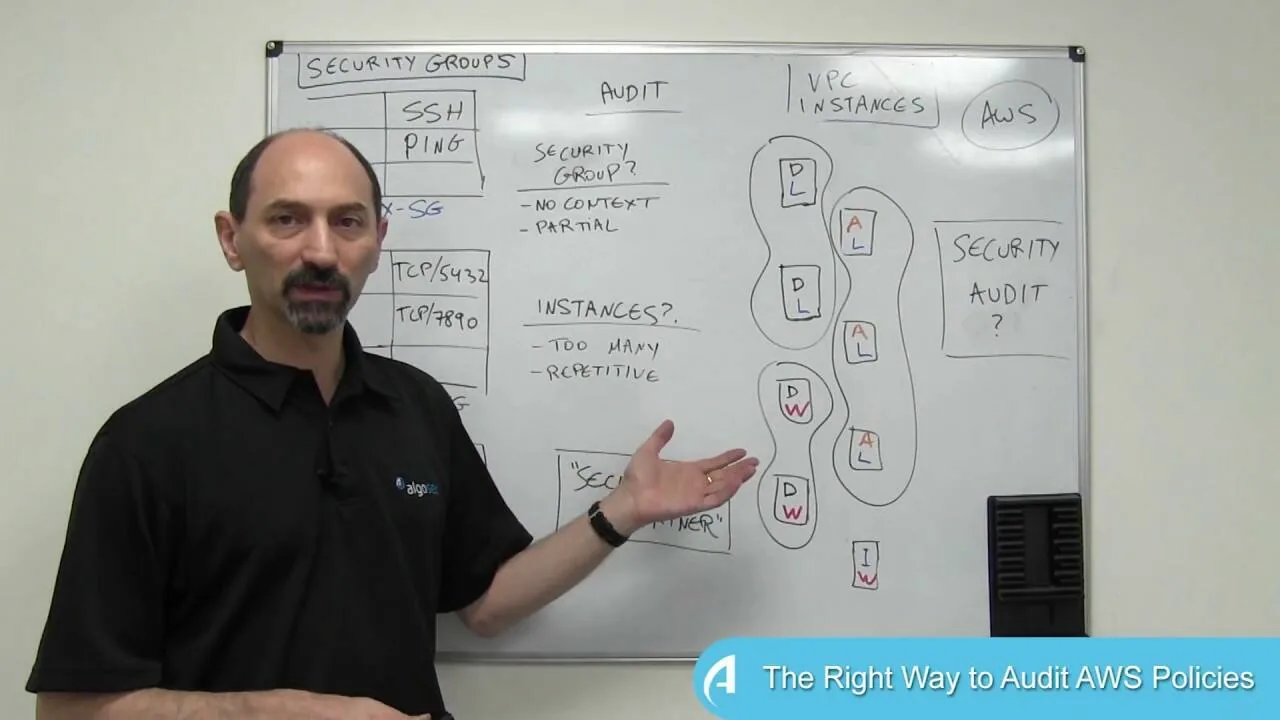
The Right Way to Audit AWS Policies
The right way to audit AWS policies
Best Practices for Amazon Web Services (AWS) Security: Lesson 6 In this whiteboard video lesson Professor Wool provides best practices for performing security audits across your AWS estate. Learn more about AlgoSec at http://www.algosec.com and read Professor Wool's blog posts at https://www.algosec.com/blog

Watch

AWS
Security compliance
AlgoSec and Cisco Tetration Analytics Demo
AlgoSec and Cisco Tetration Analytics demo
AlgoSec Tetration - A Joint Solution Discover application connectivity and dependenciesAutomatically map business applications to underlying network security infrastructureBusiness-driven risk, vulnerabilities, and compliance analysisTroubleshoot application connectivity issuesAutomatically implement a white-list security policy in hybrid

Watch

Cisco
AlgoBot: Your Network Security Policy Management Assistant (3 of 3)
AlgoBot: Your network security policy management assistant (3 of 3)
With the AlgoBot you can take care of network security policy management tasks from the comfort of your chat room or mobile device. Ideal for: - Business/IT Application Owners - Network Security Teams - Cyber Operation Analysts - Help Desk and IT Support

Watch

Network security policy management
Onboarding New Firewall Devices Using AlgoSec's APIs
Onboarding new firewall devices using AlgoSec's APIs
Security integration is a common requirement for many enterprise customers and MSSPs. This video showcases the process to operationalize this requirements including: 1. Onboarding new firewall devices through a web portal 2. Easily get compliance scores for newly onboarded devices 3. Identify firewall cleanup opportunities 4. Identify if security policies are blocking application connectivity

Watch

AlgoSec cloud enterprise
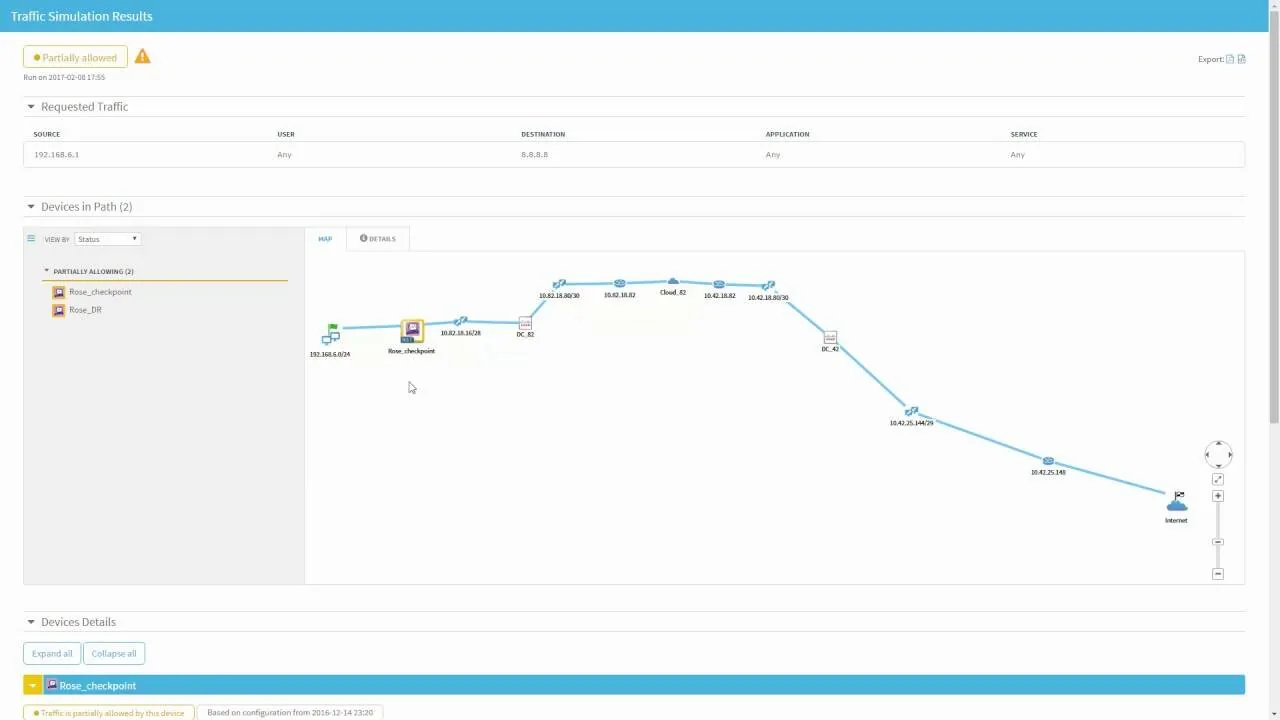
Demo: AlgoSec's Cisco ACI App Center
The AlgoSec Connectivity and Compliance App provides insights into your network and security posture, including a current snapshot of risk and compliance across your ACI fabric. Key capabilities of the App include: - Traffic assessment to determine if specific traffic is traversing the network or if its blocked - including visibility into security devices and their status across the traffic route - The ability to automatically update the firewall policy in the event that connectivity is blocked erroneously - Instant risk analysis for Cisco ACI contracts alongside firewall security policies - A detailed PCI compliance report for your Cisco ACI fabric, that’s ready for auditors

Watch

AlgoSec cloud enterprise
Cisco
Solution partners
The AlgoSec QRadar App for Incident Response
The AlgoSec QRadar app for incident response
This video demonstrates a new AlgoSec App for incident response which integrates with the IBM QRadar Security Intelligence Platform. Through AlgoSec’s integration with IBM QRadar, this App enhances and automates the Security Incident Response process by: * Augmenting security incident data with business context * Automatically associating applications with compromised servers * Identifying network connectivity to/from a compromised server * Automatically isolating a compromised server from the network

Watch

AlgoSec cloud enterprise
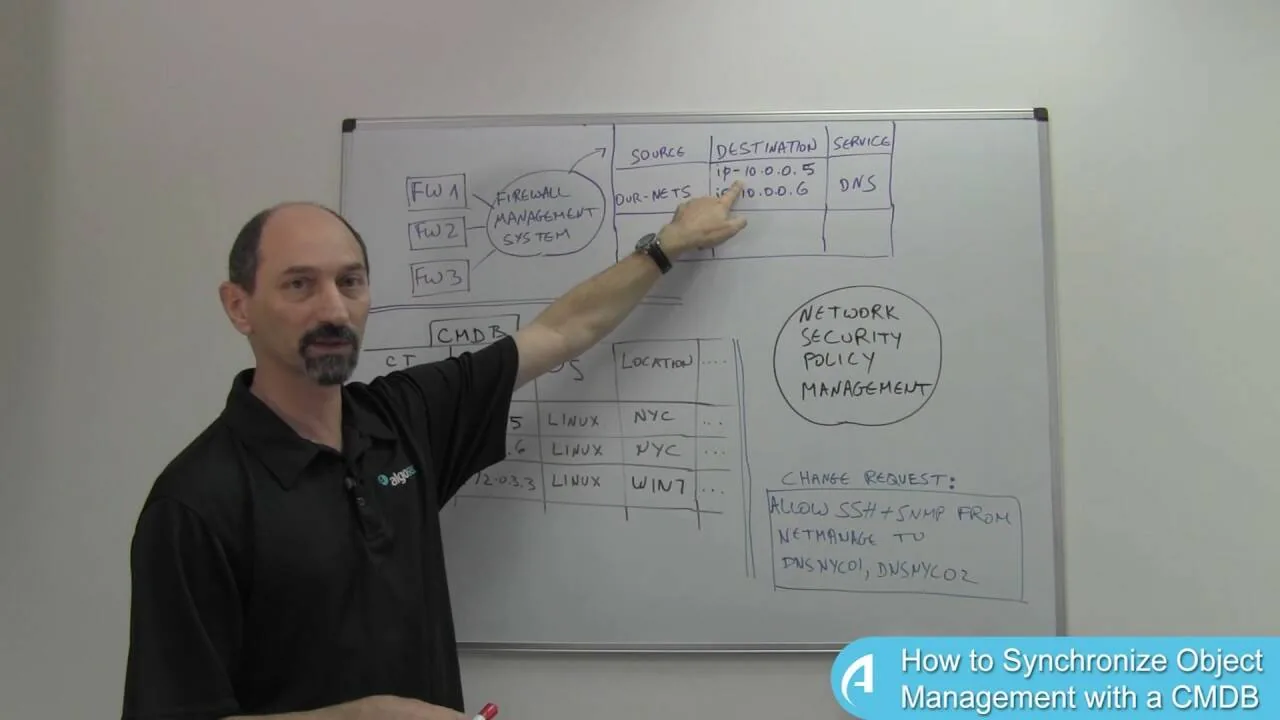
Lesson 15: How to Synchronize Object Management with a CMDB
Lesson 15: How to synchronize object management with a CMDB
Firewall Management 201: Lesson 15 Many organizations have both a firewall management system as well as a CMDB, yet these systems do not communicate with each other and their data is not synchronized. This becomes a problem when making security policy change requests, and typically someone needs to manually translate the names used by in the firewall management system to the name in the CMDB, which is a slow and error-prone process, in order for the change request to work. In this lesson Professor Wool provides tips on how to use a network security policy management to coordinate between the two system, match the object names, and then automatically populate the change management process with the correct names and definitions. Learn more about AlgoSec at http://www.algosec.com and read Professor Wool's blog posts at https://www.algosec.com/blog

Watch

Firewall change management
Professor Wool
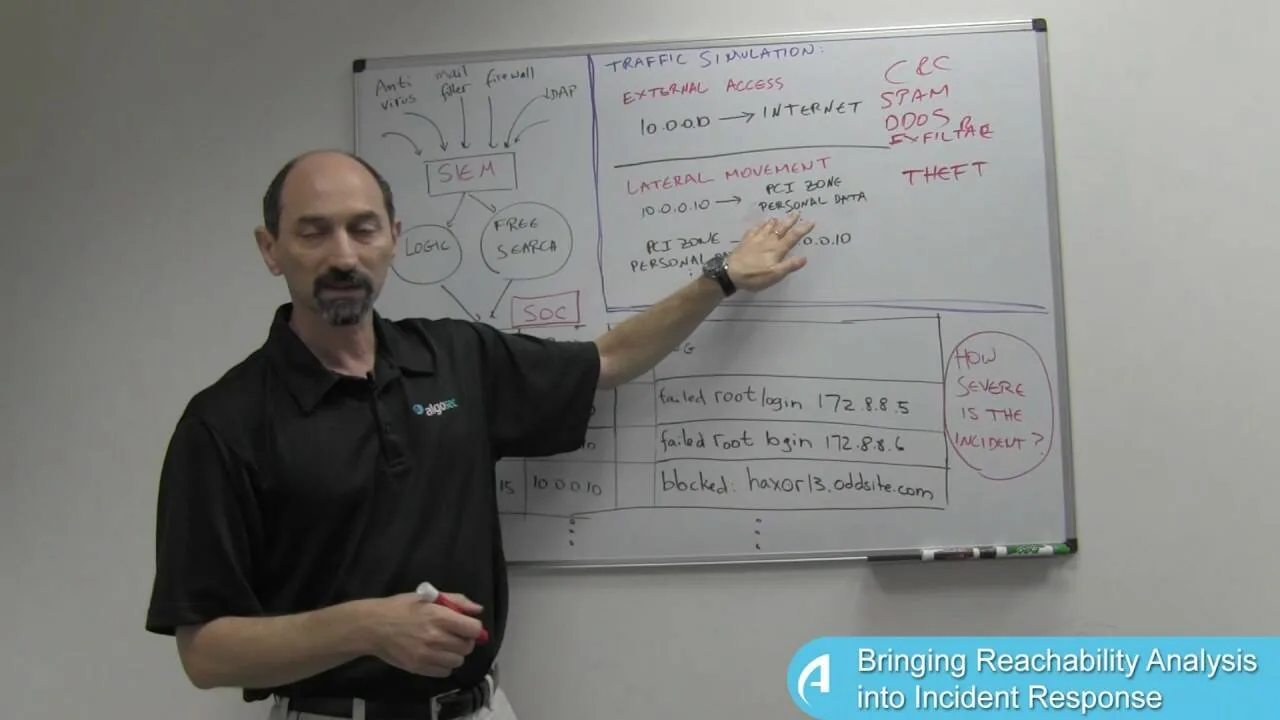
Lesson 2: Bringing Reachability Analysis into Incident Response
Lesson 2: Bringing reachability analysis into incident response
Advanced Cyber Threat and Incident Management: Lesson 2 In this lesson Professor Wool discusses the need for reachability analysis in order to assess the severity of the threat and potential impact of an incident. Professor Wool explains how to use traffic simulations to map connectivity paths to/from compromised servers and to/from the internet. By mapping the potential lateral movement paths of an attacker across the network, the SOC team can, for example, proactively take action to prevent data exfiltration or block incoming communications with Command and Control servers. Learn more about AlgoSec at http://www.algosec.com and read Professor Wool's blog posts at https://www.algosec.com/blog

Watch

Cyber attacks & incident response
Professor Wool
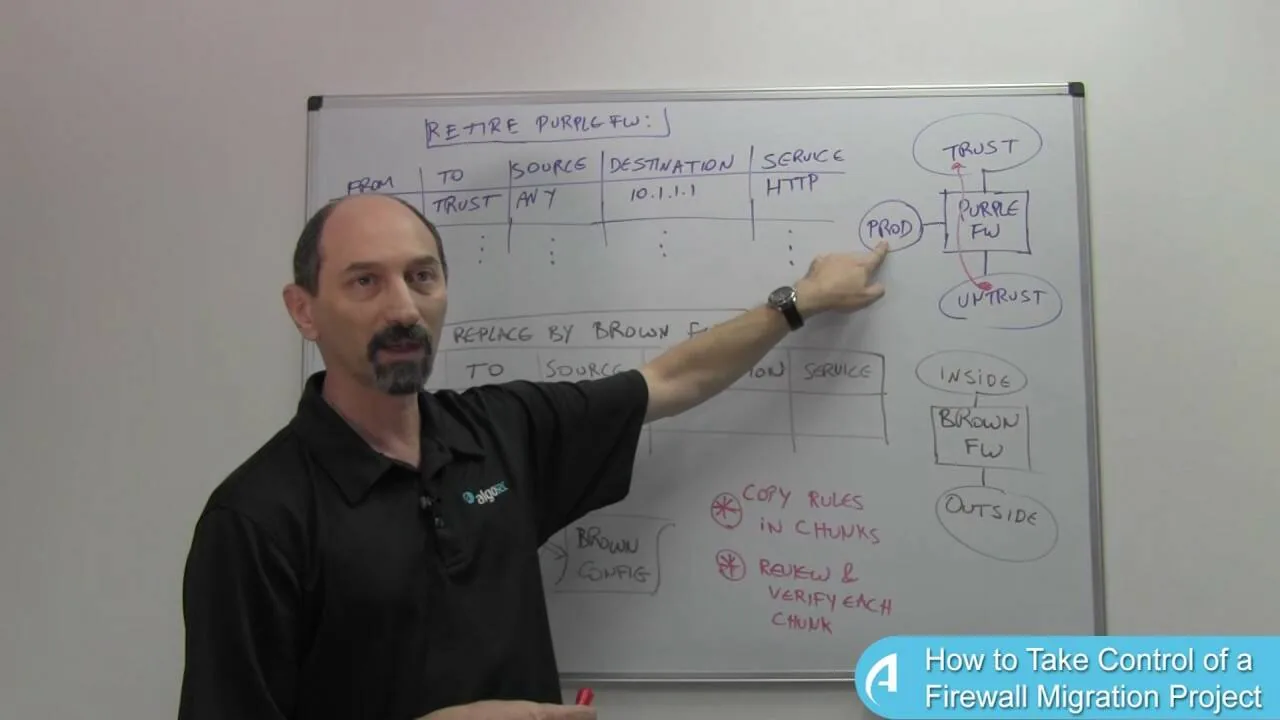
Lesson 16: How to Take Control of a Firewall Migration Project
Lesson 16: How to take control of a firewall migration project
Firewall Management 201: Lesson 16 Some companies use tools to automatically convert firewall rules from an old firewall, due to be retired, to a new firewall. In this lesson, Professor Wool explains why this process can be risky and provides some specific technical examples. He then presents a more realistic way to manage the firewall rule migration process that involves stages and checks and balances to ensure a smooth, secure transition to the new firewall that maintains secure connectivity. Learn more about AlgoSec at http://www.algosec.com and read Professor Wool's blog posts at https://www.algosec.com/blog

Watch

Firewall change management
Professor Wool
Lesson 14: Synchronized Object Management in a Multi-Vendor Environment
Lesson 14: Synchronized object management in a multi-vendor environment
Firewall Management 201: Lesson 14 Many organizations have different types of firewalls from multiple vendors, which typically means there is no single source for naming and managing network objects. This ends up creating duplication, confusion, mistakes and network connectivity problems especially when a new change request is generated and you need to know which network object to refer to. In this lesson Profession Wool provides tips and best practices for how to synchronize network objects in a multi-vendor environment for both legacy scenarios, and greenfield scenarios. Learn more about AlgoSec at http://www.algosec.com and read Professor Wool's blog posts at https://www.algosec.com/blog

Watch

Firewall change management
Professor Wool
Lesson 1: How to Bring Business Context into Incident Response
Lesson 1: How to bring business context into incident response
Advanced Cyber Threat and Incident Management: Lesson 1 SIEM solutions collect and analyze logs generated by the technology infrastructure, security systems and business applications. The Security Operations Center (SOC) team uses this information to identify and flag suspicious activity for further investigation. In this lesson, Professor Wool explains why it’s important to connect the information collected by the SIEM with other databases that provide information on application connectivity, in order to make informed decisions on the level of risk to the business, and the steps the SOC needs to take to neutralize the attack. Learn more about AlgoSec at http://www.algosec.com and read Professor Wool's blog posts at https://www.algosec.com/blog

Watch

Cyber attacks & incident response
Professor Wool
Show more
13 / 17
No results found

Ready to take control of your network security?

See how AlgoSec Horizon Platform can transform your security policy management – from chaos to control!

[Placeholder - Marketo will create the error message]
[Placeholder - Marketo will create the error message]
[Placeholder - Marketo will create the error message]
[Placeholder - Marketo will create the error message]
[Placeholder - Marketo will create the error message]
[Placeholder - Marketo will create the error message]
By submitting this form, I accept AlgoSec's privacy policy
[Placeholder - Marketo will create the error message]
Thank you!
AlgoSec
LinkedInYouTube
Trending topics
AlgoSec & CiscoMicro-segmentationCloud network securityCloud security complianceHIPAA network compliance
Essential tools
Integrations
Useful info
Contact usEnd user license agreementSaaS SLAEnvironmental strategyESG strategySecurity center

© 2004 – 2026 All rights reserved by AlgoSec

Privacy policyTerms of useCookie settings